
Table of Contents
ToggleA Cin7 Core Xero integration is supposed to solve one very specific problem: stopping your stock numbers and your accounting numbers from telling two different stories. If you have ever pulled a stock valuation report out of Cin7 Core on a Friday afternoon, then opened Xero and found a different figure for the same period, you already know why this matters.
For most Australian product businesses, that gap is not a rounding error. It is the difference between knowing your real margin on a product line and guessing at it. Warehouse teams work off Cin7 Core. Finance works off Xero. Somewhere in between, cost of goods sold, stock adjustments, and purchase timing get lost in translation, and nobody notices until the month-end close drags into its third week.
This guide walks through what actually happens when Cin7 Core and Xero are connected, what data moves between the two systems and what does not, where the integration still needs a human to check its work, and what this means for GST reporting and EOFY. Think of it as the technical walkthrough your bookkeeper wishes someone had handed you before you switched on the sync.
What a Cin7 Core Xero Integration Actually Does
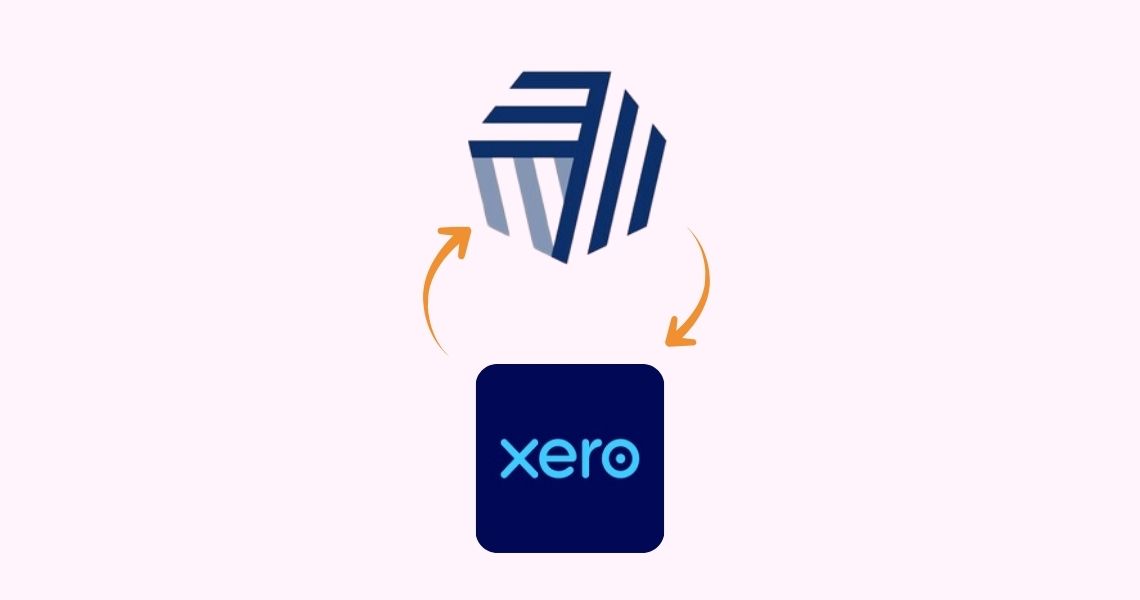
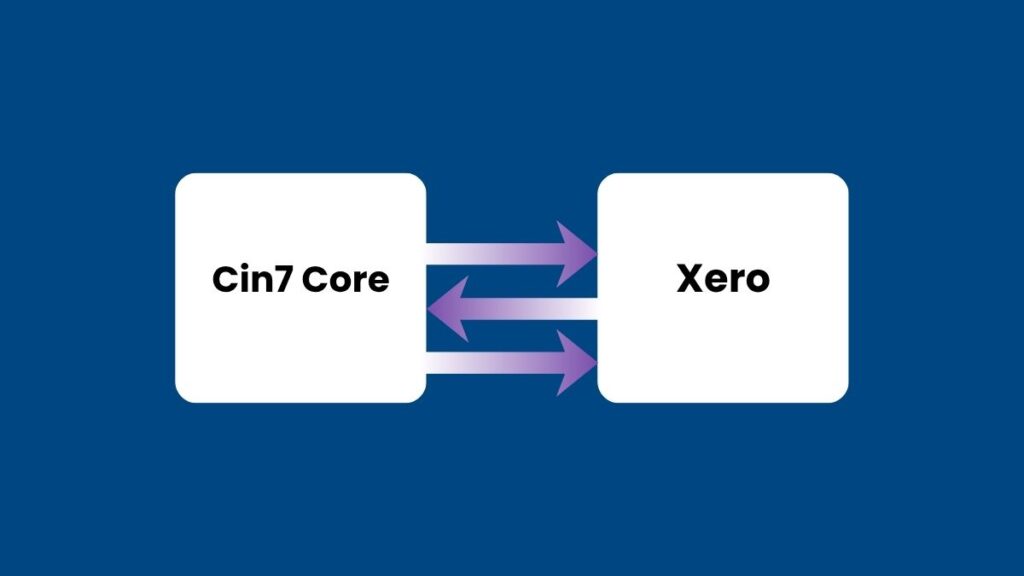
Connecting Cin7 Core to Xero turns Cin7 Core into the operational record for stock and Xero into the financial record for everything that touches the ledger. Once the two are linked through the Xero Connect Wizard, every sale, purchase, and stock movement in Cin7 Core creates a matching accounting entry in Xero on its own.
The setup itself is quick, but it is not automatic in the sense of “click and forget.” The person running the Xero Connect Wizard needs advisor-level access in Xero, and both platforms need to be set to the same base currency before it will run. During the initial sync, Cin7 Core imports your chart of accounts, customers, suppliers, tax rules, and payment terms directly from Xero, then asks you to map them.
A few things worth knowing before you start:
- Cin7 Core does not use Xero’s own inventory tracking feature. If inventory tracking is switched on for any item in Xero, it needs to be turned off, because Cin7 Core takes over that job entirely.
- Products are always exported from Cin7 Core to Xero, but only optionally imported the other way. If you build your product catalogue in Xero first, expect some manual tidy up.
- The person who sets up the connection is not necessarily the person who should own it day to day. Advisor-level Xero access is a broad permission, and most businesses hand ongoing maintenance to a bookkeeper or finance lead once the wizard has run.
Why the Mismatch Happens Before the Fix Does
Most businesses do not go looking for a Cin7 Core Xero integration out of curiosity. They go looking for one because the numbers stopped adding up first.
Here is the pattern we see constantly with wholesale distributors and manufacturers who have grown past the point where a spreadsheet and a shared inbox can hold everything together. Cin7 Core tracks every unit that comes in, moves between warehouses, gets assembled into a finished product, and ships out. Xero, left on its own, has no visibility into any of that. It only sees whatever gets typed or synced into it.
The result is two separate versions of the truth:
| Without the integration connected | Once Cin7 Core and Xero are properly linked |
|---|---|
| Stock counts live in Cin7 Core; the ledger is updated manually or not at all. | Every stock movement posts a corresponding accounting entry automatically. |
| COGS gets estimated at month end from a spreadsheet. | COGS journals are generated the moment a sale shipment is authorised. |
| Margin by product or channel is a rough guess. | Margin can be checked against real, dated accounting entries. |
| Reconciliation happens once a month, under pressure. | Reconciliation happens continuously, in smaller and more manageable chunks. |
This is the exact gap that VNC Australia’s inventory accounting work is built around. We are not choosing between accounting expertise and Cin7 knowledge. Product businesses need both looked after by the same team, because a chart of accounts error in Xero and a mis-set consolidation rule in Cin7 Core cause the identical symptom on the P&L. It is one of the reasons more Australian distributors now treat Cin7 integration with Xero as the default combination rather than an optional add-on once the business outgrows a spreadsheet.
The Financial Data That Actually Moves Between the Two Systems
A Cin7 Core Xero integration does not sync everything indiscriminately. It moves specific transaction types, on specific triggers, and understanding those triggers is what separates a clean set of books from a confusing one.
Accounting transactions are only created in Cin7 Core when certain actions are authorised, not when they are simply entered or drafted. According to Cin7’s own documentation, the triggers include:
- An authorised purchase or sale invoice, or credit note
- An authorised sale shipment, which is what generates the cost of goods sold entry
- An authorised manual journal, stocktake, stock adjustment, or assembly and production task
- Voiding or undoing any of the above, which reverses the original entry
For a standard sale, the COGS entry is created the moment the shipment is authorised, debiting cost of goods sold and crediting the inventory control account for the value of the stock shipped. For dropshipped products, where there is no separate shipping step in Cin7 Core, the same entry is triggered when the purchase invoice is authorised instead.
Beyond COGS, the ongoing sync covers sales invoices, purchase bills, credit notes, payments in both directions, customer and supplier contacts, and manual journals for things like landed cost adjustments. Bank transactions and reconciliation data flow from Xero back into Cin7 Core, closing the loop.
Getting the Chart of Accounts Right Before You Connect
Everything above depends on one unglamorous step that gets skipped more often than it should: setting up the right accounts in Xero before you ever run the connect wizard.
Cin7 Core’s Xero integration expects certain accounts to already exist so it has somewhere to post inventory control, COGS, and clearing entries. If those accounts are missing, mis-typed, or set up with the wrong tax treatment, the sync will still technically run, but the numbers landing in your Xero ledger will be wrong from day one.
Three things are worth checking before you connect:
This is the part of a Cin7 Core Xero integration that a generic “how to connect your apps” guide tends to skip, because it is genuinely accounting work rather than a software setup task. It is also exactly where Cin7 experts who understand both systems earn their keep.
Where the Integration Still Needs a Human in the Loop
No integration, however well built, replaces judgement entirely, and it would be dishonest to write about a Cin7 Core Xero integration as if it did. A Cin7 Xero integration is a very good operational tool, not an autopilot for your accounts.
Panorama Consulting Group’s most recent ERP research found that more than a quarter of organisations exceeded their project budgets, with additional technology needs discovered mid-project cited as the leading cause. In plain terms: businesses go live, find a gap the original scope didn’t cover, and bolt on extra software or custom development to patch it. Usually, the original requirements gathering missed something obvious: a manufacturing process, a state-specific compliance need, or a channel integration nobody flagged early.
A few patterns show up again and again:
None of this makes the integration less valuable. It means the integration is a very good operational tool that still needs an accountant who understands both platforms checking the output, particularly around month-end and EOFY.
What This Means for GST, BAS and EOFY Reporting
Accurate integration between Cin7 Core and Xero is not just a convenience. It has a direct effect on your GST reporting and your year-end financial statements.
Under AASB 102 Inventories, Australian businesses must value stock at the lower of cost and net realisable value, and cost must include the purchase price plus costs of bringing the inventory to its present location and condition, such as freight and duty. A Cin7 Core Xero integration that correctly captures landed costs supports this requirement automatically, because those costs are absorbed into the stock value rather than expensed on receipt.

On the GST side, every sale and purchase invoice synced from Cin7 Core carries the tax treatment mapped during setup. If tax rules were mapped incorrectly at the point of connection, every subsequent transaction inherits the same error until someone catches it, which is a common reason figures on your BAS lodgement do not match what the warehouse team would expect based on physical stock movements.
Cloud accounting has become the default for Australian product businesses for exactly this reason. Xero alone now supports 2.6 million subscribers across Australia and New Zealand, according to its FY25 annual results filed with the ASX, and a large share of those are wholesalers, distributors and manufacturers who need their accounting platform to talk to whatever is running their warehouse. Wholesale trade has also been one of the more resilient parts of the Australian economy through 2025, with ABS data recording consistent monthly turnover growth in the sector, which only increases the pressure on finance teams to close the books faster and with more confidence.
Final Thoughts
A Cin7 Core Xero integration is not a plug-and-play fix for messy books. It is a genuinely powerful piece of infrastructure that, set up properly, removes the manual re-keying and guesswork that eats up a finance team’s month. Set up carelessly, it just moves the guesswork one step further downstream, into a set of accounts that look precise because they are automated, even when they are wrong.
The businesses that get the most out of Cin7 integration with Xero are the ones that treat it as an accounting project first and a software project second. Getting the chart of accounts right, understanding exactly which triggers create a journal entry, and knowing where landed costs and lock dates can quietly distort a number, all matter more than which button you click during setup. Done properly, Cin7 Xero integration gives you one number for stock and one number for margin, instead of two competing versions that only get reconciled under deadline pressure.
VNC Australia works with product-based businesses across Australia, from manufacturers and wholesalers to distributors and retailers. Our Cin7 experts handle the Cin7 side while we handle the Xero side, so you stop reconciling two versions of the truth and start working from one.
Schedule a complimentary 30-minute consultation with the VNC Australia team: Book your call
Frequently Asked Questions
It syncs sales invoices, purchase bills, credit notes, payments, customer and supplier contacts, and COGS journals. Stock quantities and product costing stay inside Cin7 Core; Xero only ever sees the financial consequence of a stock movement, not the stock count itself.
Yes, but not evenly. Products, sales and COGS always flow from Cin7 Core to Xero, while payments and bank reconciliation data can flow both ways depending on your sync settings. Inventory tracking itself is never bi-directional, since Xero’s native inventory feature has to be switched off.
Yes. The person running the Xero Connect Wizard needs advisor-level access in Xero, or the specific integration permission for Xero, otherwise, manual journals and reconciliation reports will fail to sync.
No. Cin7 Core does not support Xero’s native inventory tracking feature, so it needs to be turned off for any item once the integration is connected. Running both creates duplicate, conflicting stock records.
Every invoice synced from Cin7 Core carries the tax code mapped during setup, so an incorrect mapping at connection stage flows into every BAS period afterwards. Getting the tax rules right before you connect is far cheaper than correcting a year of BAS lodgements later.
Start with the chart of accounts mapping, the base currency setting, and whether anyone has manually journalled against the inventory or COGS accounts since go-live. These three account for the majority of unreconcilable variances we see in a failed or messy setup.